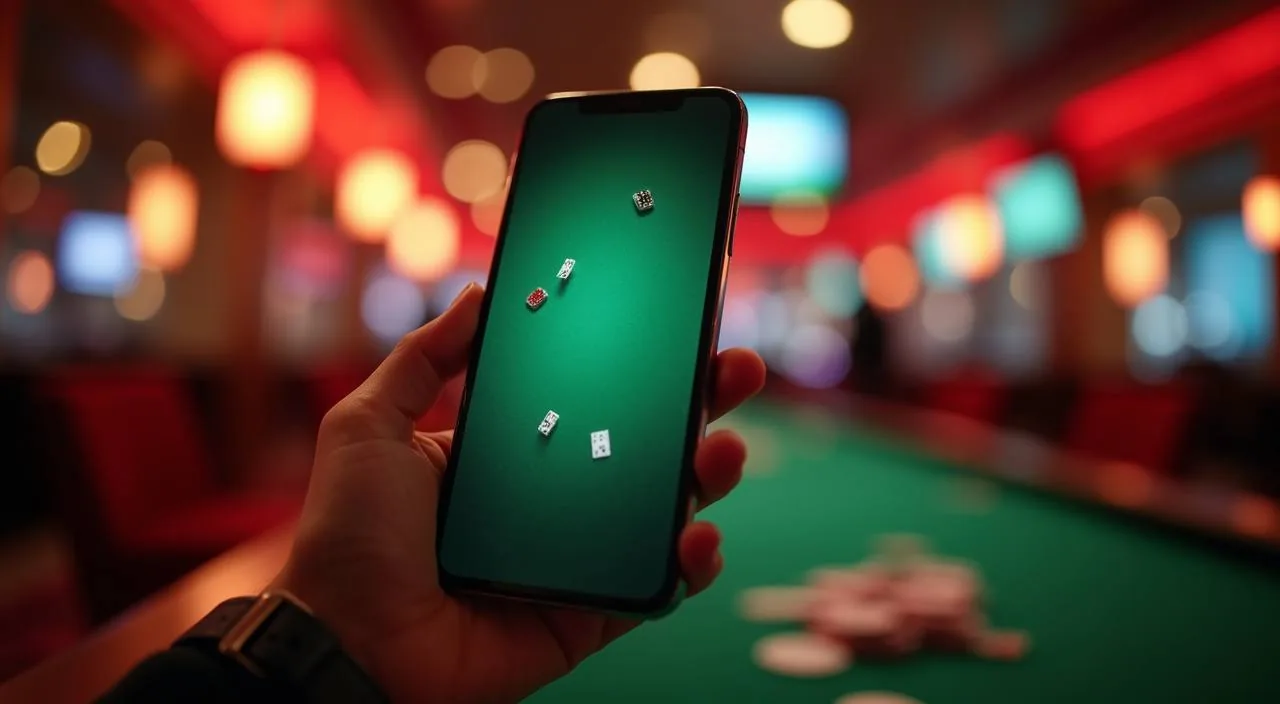
The cricket168 mobile experience runs through your browser — open the site on any Android or iOS device and your account, wallet, and game lobby load exactly as they do on desktop. Check the account page directly to see whether a dedicated app build is currently offered for your device.
When you open cricket168 on your phone, the layout shifts to fit your screen without any installation step. Your account dashboard, transaction records, and game lobby are all reachable through the mobile browser navigation. The wallet section shows your bKash and Rocket payment history in the same format as desktop — amounts, dates, and status — so you are not switching devices just to check a record. Game discovery works through the same category tabs: slots from PG Soft, JDB, Pragmatic Play, and Habanero sit alongside live casino tables and the sportsbook where BPL Final Live and Football Derby Live are listed. Support links appear in the menu footer on mobile the same way they do on desktop. If the site publishes a dedicated app download, it will appear on the account or download page; we do not list a native app here unless that page confirms one is available for your device and region.
ACCESS FEATURES
Mobile Access Features at a Glance
Responsive Layout
The full site reflows to your screen width automatically. Navigation menus, account tabs, and game tiles all reorganise for a single-column mobile view without any manual zoom or side-scroll needed on standard screen sizes.
Account and Wallet Routes
Your deposit history with bKash or Rocket, your current balance, and your transaction log are reachable from the account icon in the top navigation bar. No separate mobile login is required — your existing credentials work directly in the browser.
Game Lobby on Mobile
Slots, live casino, and sportsbook categories load through the same tab structure on mobile. Titles from PG Soft, Habanero, JDB, and Pragmatic Play render at full quality in a modern mobile browser without a plugin or extra software.
Help and Support Access
The support menu is accessible from the mobile footer on every page. Published contact routes are listed there; open the support page on your device to see the current options available for your account or region.
THREE SIMPLE STEPS
Mobile Access in 3 Steps
Getting into your cricket168 account from a mobile device takes three steps through the browser — no file download required unless a native app is confirmed available on the app or download page. Start by opening your mobile browser and navigating to the current cricket168 domain. A secure connection indicator should appear in your browser address bar; if it does not, do not enter your credentials and contact support through the published route. Once the site loads, tap the account icon or the login button in the header. Enter your registered credentials exactly as you set them — the mobile keyboard may autocorrect, so check before submitting. After you sign in, your dashboard appears with your wallet balance, transaction history, and the game lobby. Bookmark the page in your browser so you return to the correct domain each time without retyping it.
Open the Current Domain
Type the cricket168 address into your mobile browser or use a saved bookmark. Confirm the domain matches the address shown on your registered account email before entering any details.
Check Browser Compatibility
The site works in current versions of Chrome, Safari, and Firefox on Android and iOS. If a page does not load correctly, update your browser to the current version and reload.
Sign In Securely
Use your registered email and password. If you have set up two-step verification on your account, follow the prompt shown on screen. Never share credentials through chat or any route outside the official login page.
Verify App Availability
After signing in, check the account or download section of the site to see if a native app build is published for your device type. The availability note there reflects the current status for your region.
DEVICE COMPATIBILITY
Which Devices and Browsers Work
Android Browsers
Chrome and Firefox on Android load the full cricket168 site including the game lobby and account pages. Keep your browser updated to a recent release for the best rendering of live casino tables and slot titles.
iOS Browsers
Safari on iPhone and iPad accesses the site without additional configuration. Chrome for iOS also works. If a game tile does not respond, check that JavaScript is enabled in your browser settings.
Screen Size and Layout
The responsive layout is designed for screens from standard smartphone size up to tablet width. Portrait and landscape orientations both work; the navigation bar adjusts automatically when you rotate your device.
Account Requirements
Mobile browser access uses the same account credentials as desktop. There is no separate mobile account — your wallet, transaction history, and account settings are the same across both. Check the account page for any region-specific access conditions that apply to your profile.
Checking Supported Devices
For a current list of tested browsers and any known device exceptions, open the help or FAQ section within your signed-in account. The support page is updated when compatibility information changes.
MOBILE HELP ROUTES
Support Options for Mobile Account Issues
In-Site Support Menu
The support link in the mobile site footer takes you to the published contact routes for cricket168. Open it from any page — account issues, wallet queries about bKash or Rocket transactions, and login problems are handled through routes listed there.
Account Recovery Path
If you cannot sign in on mobile, use the password recovery option on the login page. The recovery steps are shown on screen; follow them in your current browser session without switching devices unless the instructions specifically direct you to.
Wallet and Payment Queries
For questions about a bKash or Rocket transaction that appears differently on mobile than on desktop, open the transaction detail from your wallet history and use the support contact route listed at the bottom of that page to raise the query directly.
ACCOUNT SAFETY CHECKS
Keeping Your Mobile Account Secure
Verify the Domain
Before entering your password on mobile, confirm the address bar shows the correct cricket168 domain. Phishing pages often look identical to the real site on a small screen. If the domain does not match what you registered with, do not proceed and contact support through a known route.
Review Published Device Guidance
Cricket168 publishes device and browser guidance in the help section. Check that page if you are using a device or browser you have not used before, or if a page behaves differently than expected after a software update on your phone.
Protect Your Credentials
Use a unique password for your cricket168 account and do not save it in a shared browser profile. On a shared device, sign out after each session using the account menu. The session does not expire automatically on all browser types.
Use the Published Recovery Path
If you suspect your account has been accessed without your permission, use the account recovery and support route published on the site immediately. Do not attempt to resolve account security issues through any channel not listed on the official support page.
APP QUESTIONS ANSWERED
cricket168 App — Frequently Asked Questions
Does cricket168 have a native app I can download from the app store?
Check the account or download section of the cricket168 site after signing in. That page reflects the current status for your device type and region. We do not confirm a native app listing here because availability can change; the published page is always the accurate source.
How do I access cricket168 on my Android phone without an app?
Open Chrome or Firefox on your Android device and navigate to the cricket168 domain. The site loads fully in your mobile browser — your account, bKash and Rocket wallet records, game lobby, and support menu are all accessible without installing anything.
Will my bKash and Rocket transaction history show correctly on mobile?
Yes. Your wallet history loads from your account in the mobile browser the same way it does on desktop. Open the wallet section from the account menu after signing in to see amounts, dates, and transaction status for your bKash and Rocket activity.
What should I do if a game does not load on my phone?
First, confirm your browser is updated to a recent version and that JavaScript is enabled in settings. If the issue continues, try a different supported browser — Chrome and Firefox on Android, Safari or Chrome on iOS. If the problem persists, use the support link in the site footer to report it.
Is it safe to sign in to cricket168 from a mobile browser?
Sign in only after confirming the address bar shows the correct cricket168 domain. Use your own device where possible, avoid shared Wi-Fi networks for account transactions, and sign out after each session. The login page uses a secure connection shown by the lock icon in your browser bar.
Can I check my account and wallet history on a tablet?
The responsive layout scales to tablet width in both portrait and landscape. Your account dashboard, wallet records, and the game lobby all display correctly. Use the same credentials you registered with — there is no separate tablet account or login.
 Casino / Sports